How to

Techschumz is trying its best to give you the best available information about the How-To Tech world.

How to Create WhatsApp Call Link Without a Number on Android & iPhone

How to Create WhatsApp Call Link Without a Number | Android & iPhone

In this WhatsApp tutorial, you’ll learn how to create and send a WhatsApp call link to anyone, even if they’re not on your contact list, on Android and iPhone. WhatsApp is a free smartphone messaging app that helps you send messages, images, audio, and video over the internet. It has many great features, such as […]

How to Create WhatsApp Call Link Without a Number | Android & iPhone Read More »
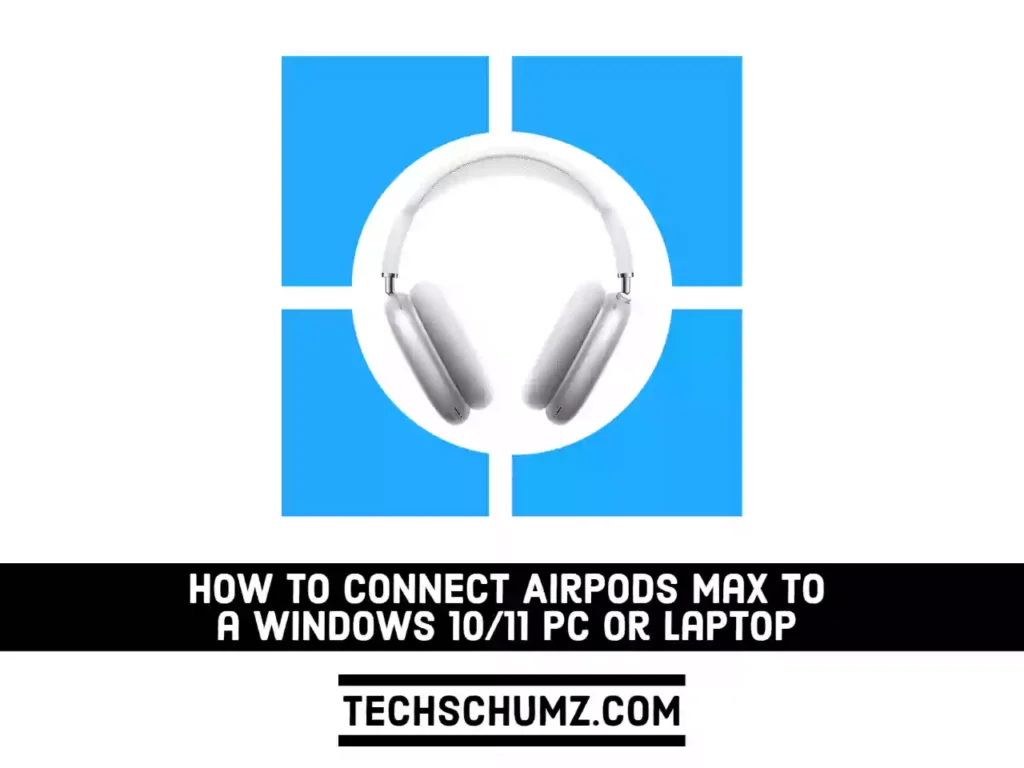
How to Connect AirPods Max to a Windows 10 or 11 PC or Laptop

How to Connect AirPods Max to Windows 10/11 PC or Laptop

AirPods Max deliver immersive, high-fidelity audio. From the canopy to the cushions, every part has been carefully made to fit just right. Outside noise is blocked by industry-leading Active Noise Cancellation, while Transparency mode allows it in. Spatial audio combined with dynamic head tracking creates a theater-like surround sound experience. If you have one and

How to Connect AirPods Max to Windows 10/11 PC or Laptop Read More »

Adobe Post 20210705 2044240.2141705853922411 compress56 How to Set Chrome as Default Browser in Windows 11 | 2 Methods

How to Set Chrome as Default Browser in Windows 11 | 2 Methods

If you’ve upgraded to Windows 11, you’ll find that Microsoft Edge is your default browser. This is very important because it is the default browser, the browser that opens when you click a link in another application such as email, Windows search box, or instant messenger. Save yourself the surprise when another browser pops up

How to Set Chrome as Default Browser in Windows 11 | 2 Methods Read More »

customize navigation bar on Galaxy S22

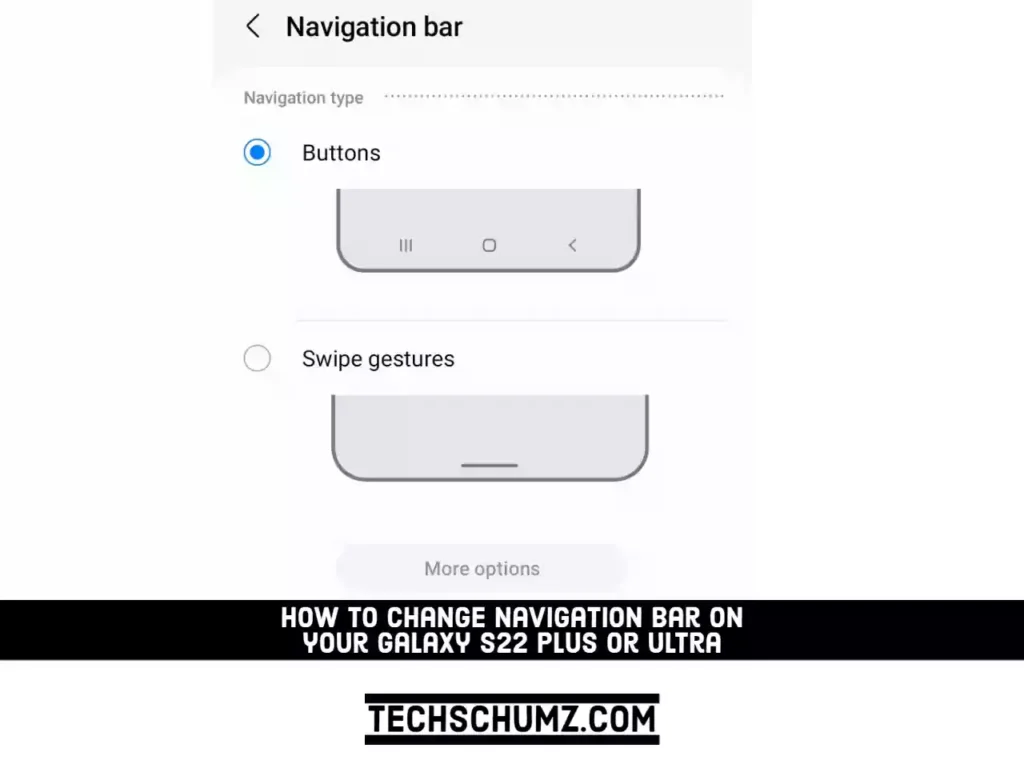
How to Customize Navigation Bar on Samsung Galaxy S22 Plus/Ultra

The Galaxy S22 goes far beyond wallpaper, Edge Panels, and screen timeout when it comes to customization. One of these features is the ability to change and customize the navigation bar and gestures on the smartphone. The Navigation bar is the bottom-of-the-screen menu that serves as the foundation for navigating your device. You can change

How to Customize Navigation Bar on Samsung Galaxy S22 Plus/Ultra Read More »

Scroll to Top